Product Parameter
| Item | Voltage | Power | Pixel Qty | LED Qty | Cutting Unit | Break Continue | PCB Width |
|---|---|---|---|---|---|---|---|
| ST-WS2811-3PIN-W-60-12 | DC12V | 14.4 W/m | 20 Pixels | 60 | 50 mm | No | 10 mm |
White Digital 12V LED Strip Light 3000K
For white addressable LED strip normally the PCB is white color, we can supply black PCB as well. Quite popular in night club lighting with dynamic lighting visual impact.
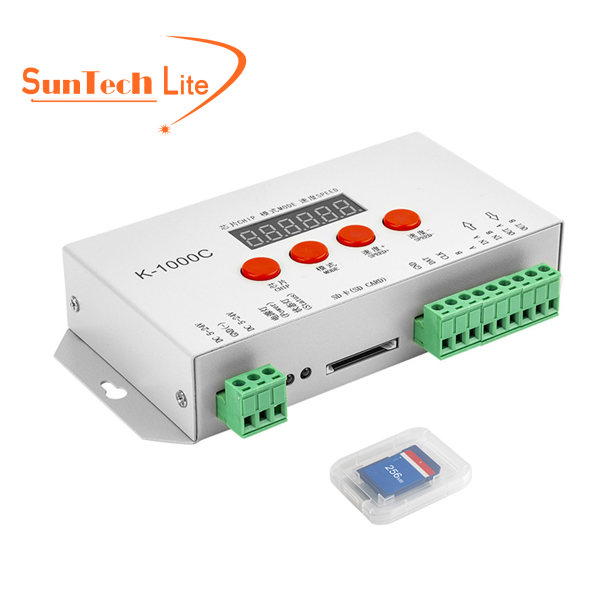
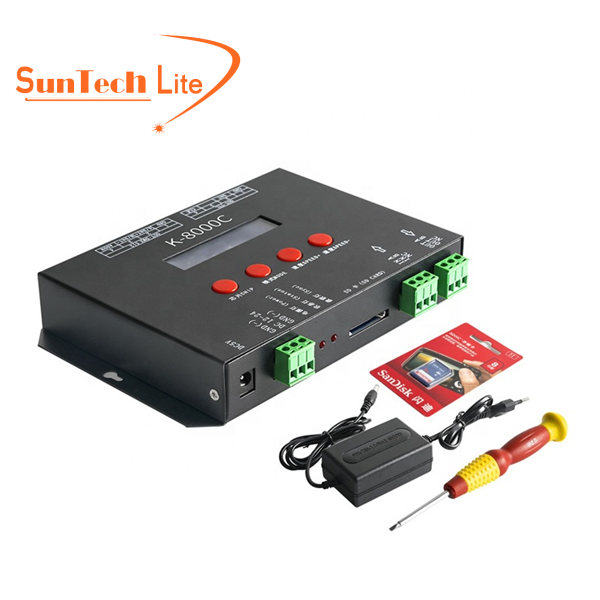
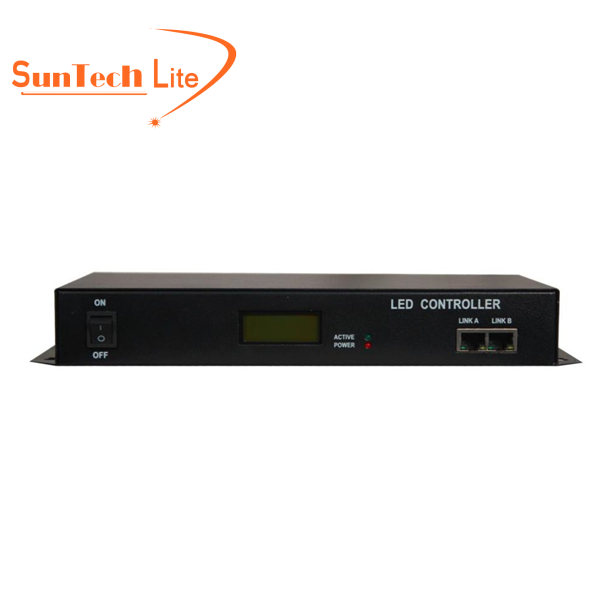
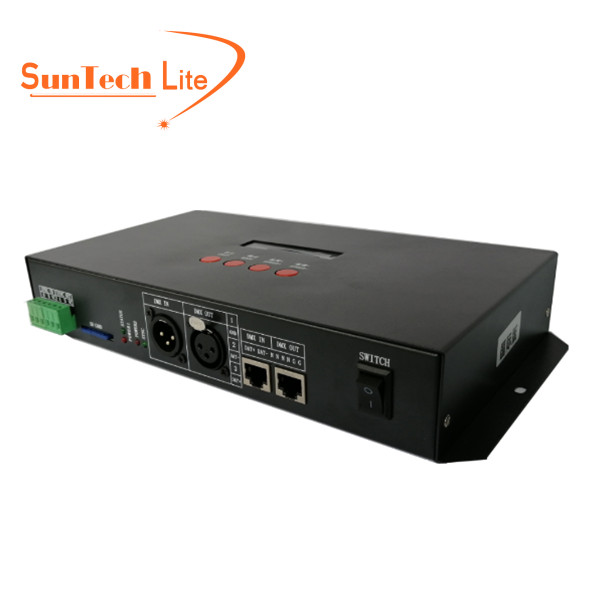
WS2811 IC can support 17mA each channel, total support at most 3 channels, 3 channels mean 3x17mA = 51mA, this means it has good heat dissipation process and ensures a longer lifespan 50000 hours, WS2811 has good market share since compatible with various controllers overseas such as Arduino. The LED strip can be IP20, IP65 and IP67, suitable for both indoor and outdoor application. Normal controllers used such as K1000C which supports 1024 pixels, and K8000C, that supports 8192 pixels. If you need more professional advice, please feel free to contact us.

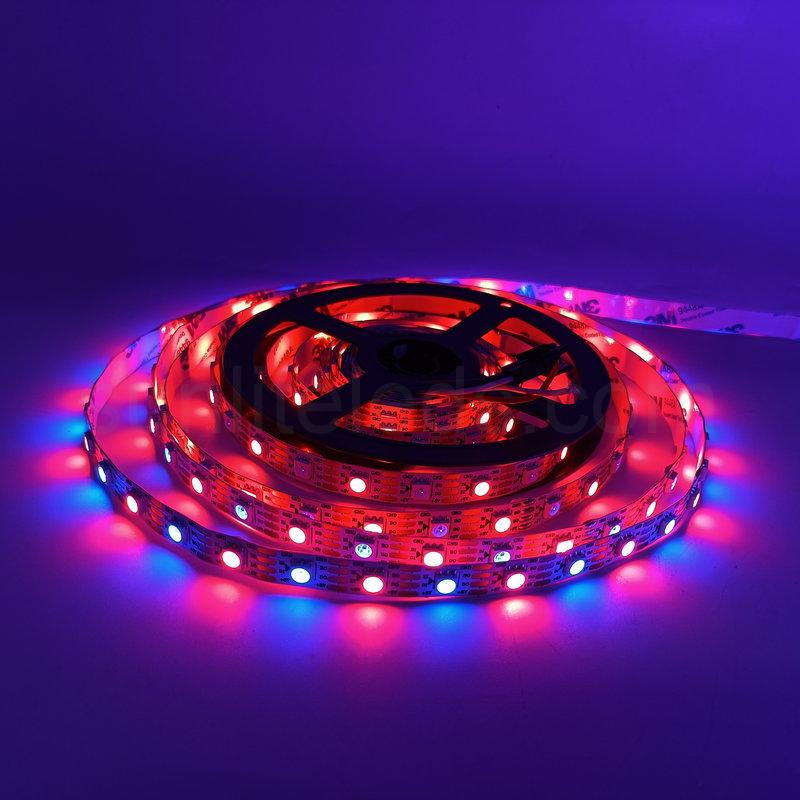
Check out this 10mm-wide, 12V LED strip with 60 LEDs per meter and SMD5050 addressable WS2811 white LEDs.
Available in 3000K warm white, 4000K natural white, and 6500K daylight color temperatures. Other color temperatures are also available.
With an SPI controller, users can create a variety of lighting effects and animations to personalize their lighting.
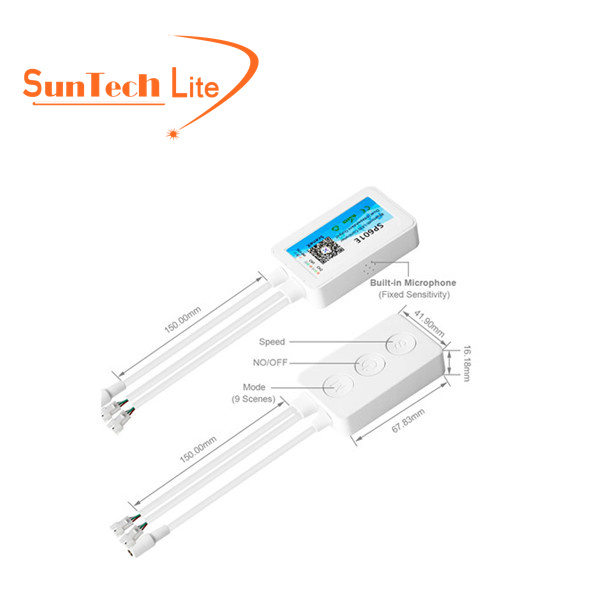
Dynamic white light effects can be programmed with the SP636E or other controllers, or with your own custom programming.
For the unobstructed ambient lighting required for modern lighting, mini LED strips with aluminum profiles or neon tubes are recommended to create smooth, continuous lighting effects for your indoor or outdoor spaces.
- Difference: WS2811 VS WS2812
- WS2812 LED Strip vs WS2811 LED Strip Performance Comparison
- Things to Consider When Purchasing WS2811 or WS2812 LED Light Strips
Why Choose UCS1903? UCS1903 vs WS2811
- Table Compare: UCS1903 vs WS2811 LED Strip
- UCS1903 vs WS2811 LED Strip Signal Transmission Compare
- UCS1903 and WS2811 LED Strip Remove Capacitor Video Comparison
- WS2811 VS WS2818B , What’s the difference?
- Deep Dive into WS2811 vs WS2818B LED Strips
- Choosing Between WS2811 and WS2818B
How to Drive WS2811 LED Strips with ESP8266 & FastLED?
- WS2811 Connect ESP8266 Materials Required
- ESP8266 Control Board
- WS2811 LED Strip Connection Diagram With ESP8266
- Code Upload of WS2811 Controlled with ESP8266
- Demonstration Video Display Lighting Effect
How to Control WS2811 Addressable LED Strips with Arduino?
- Materials Required WS2811 Controlled by Arduino
- ESP8266 Control Board
- Connection Diagram Arduino Control WS2811 LED
- Arduino Control WS2811 Program Code
- WS2811 Demonstration Video Lighting Effect
How to Connect and Control WS2811 LED Strip
Below is the wiring diagram of the pixel WS2811 LED strip connected to the offline K-1000C LED controller.
Prepare the required equipment, mainly the WS2811 white LED strip, power supply, and controller. Prepared an adjustable voltage power supply, a K-1000C controller, and a roll of DC12V WS2811 single white LED strip.
Connect the controller to the power supply. Note that the red wire is V+ and the black wire is GND.
For more wiring details, please read our blog: How to Control Connect and Wire Addressable LED Strip?
Please pay attention to the direction of data transmission before connection to avoid reverse signal connection. (If the data transmission of the WS2811 light strip is reversed, it will cause damage to the ICs and LED beads.) The BLACK ARROWS on the light strip tell the signal transmitting direction. If connected oppositely, the strip will not work.
Related Products You May Need:
Accessories
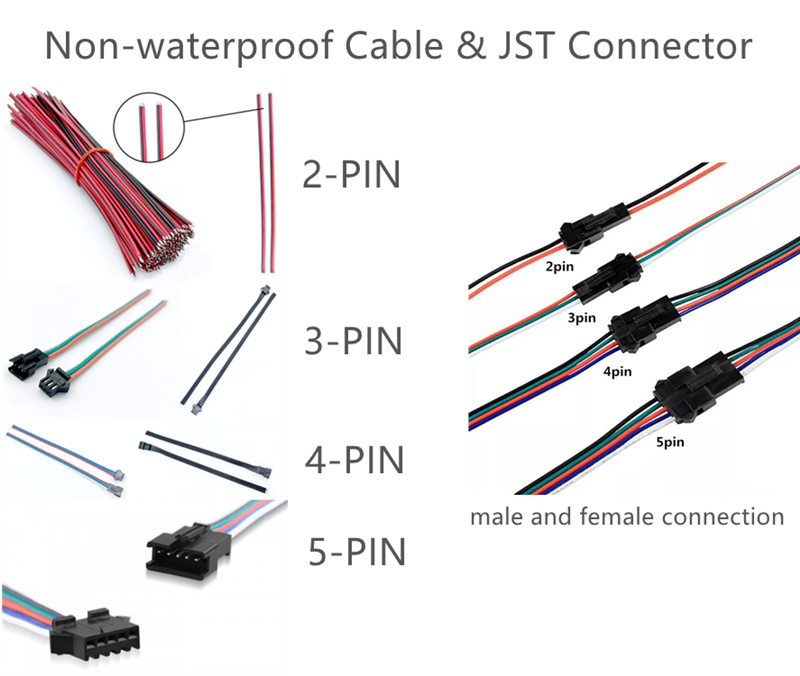
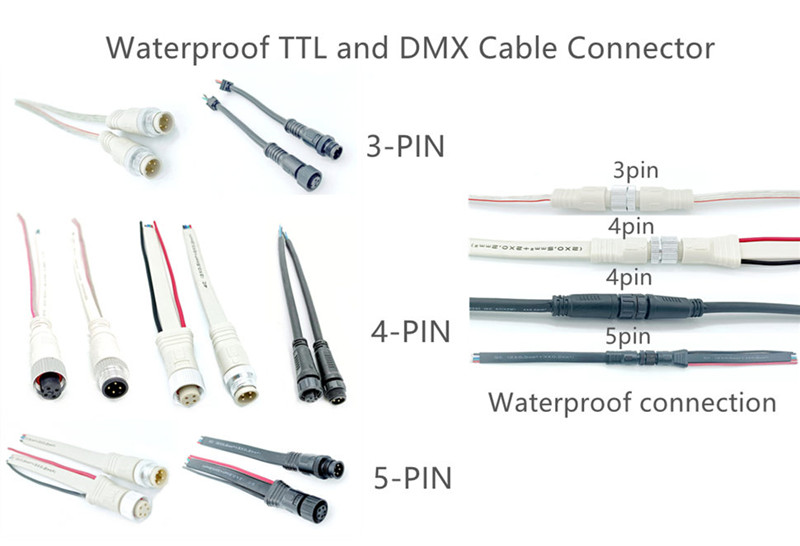
Connection Cable
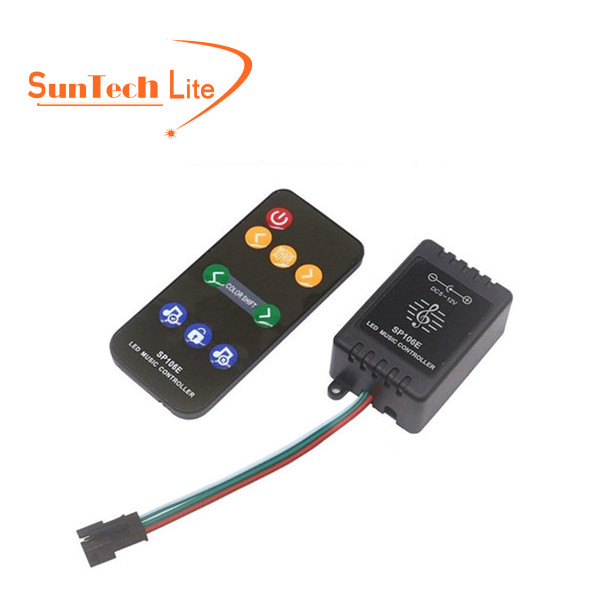
Controllers