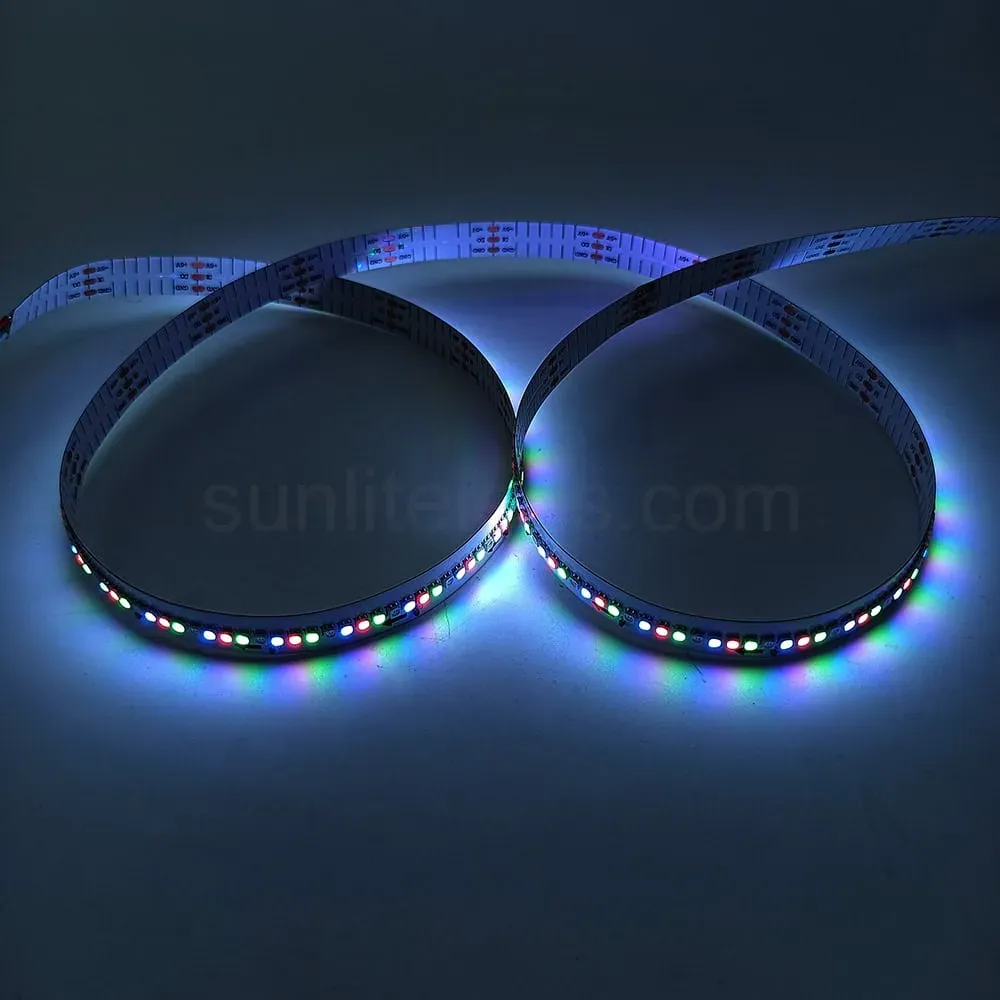
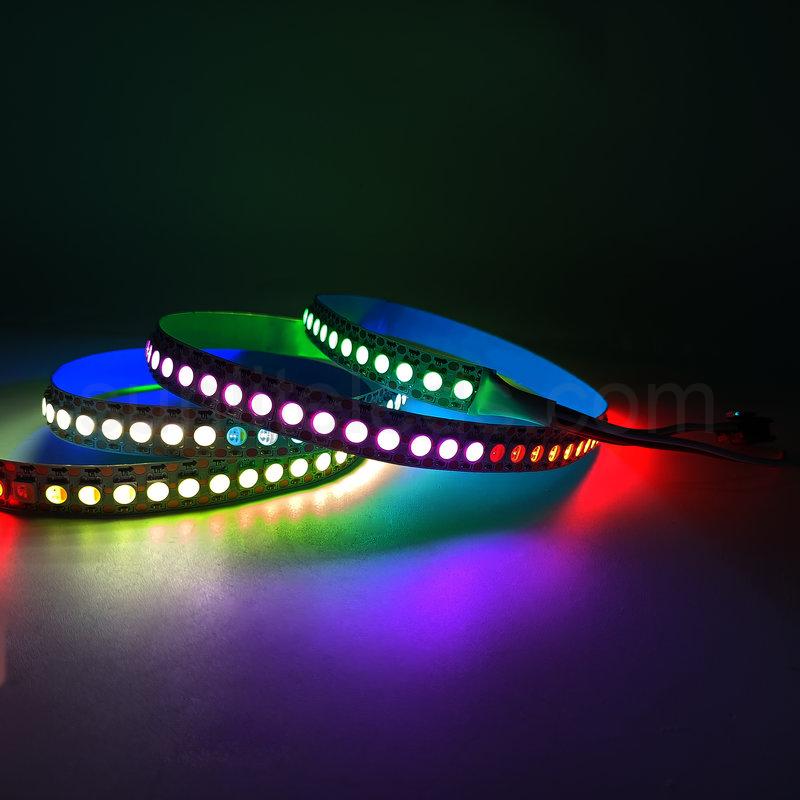
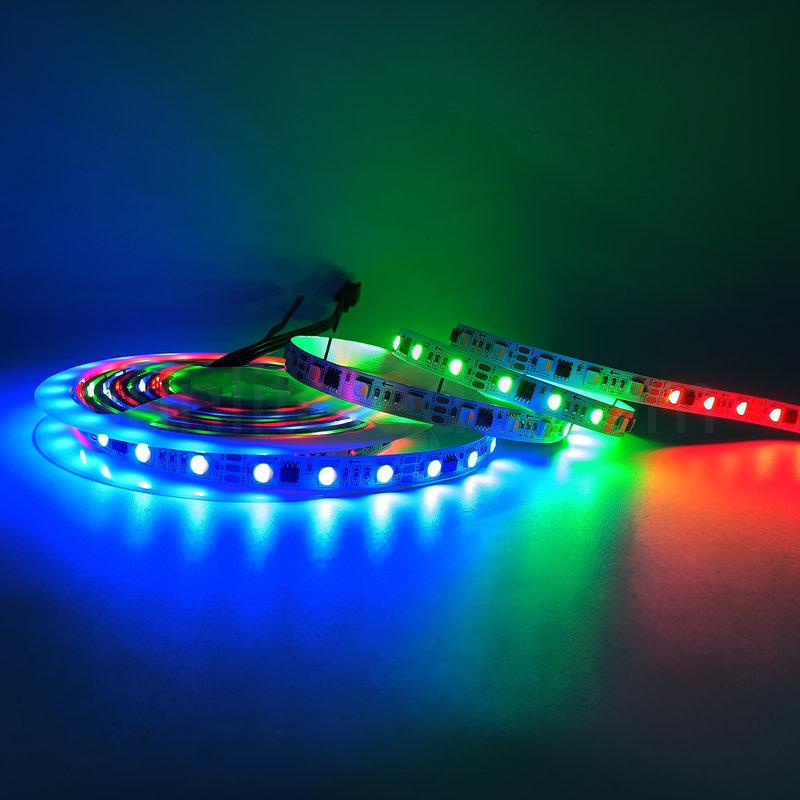
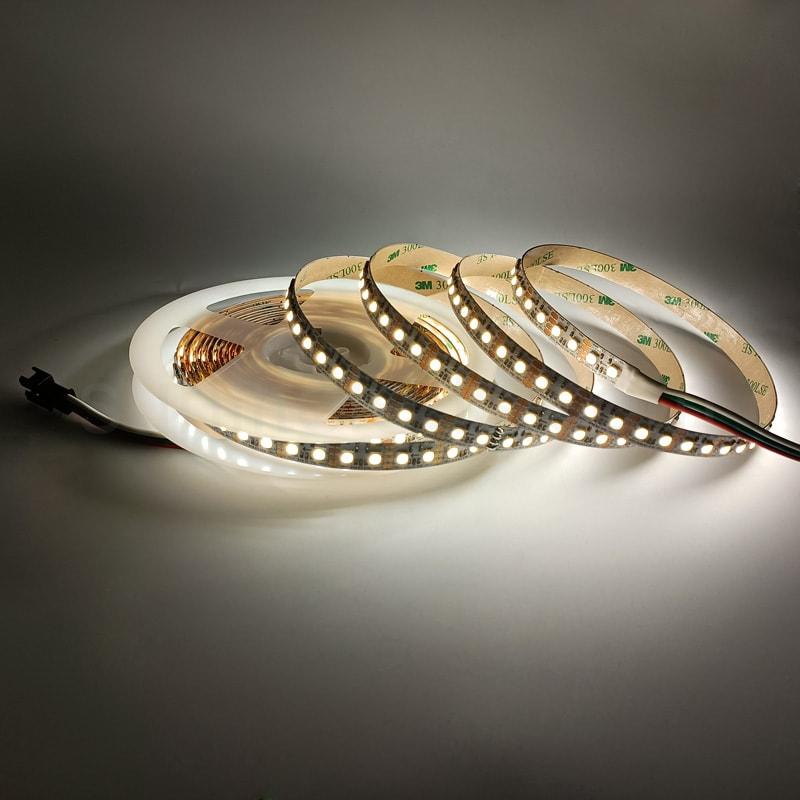
10mm 350leds DC5V 350 Pixels WS2812 Programmable RGB LED Strip
Product Parameter
Item: STB-3PIN-RGB-350-5V
Voltage: DC 5V
Power: 22 W/M
Pixel Quantity: 350 pixels/m
LED Quantity: 350 LEDs/m
Cutting Unit: 2.85mm
Break Continue: No
PCB Width: 10 mm
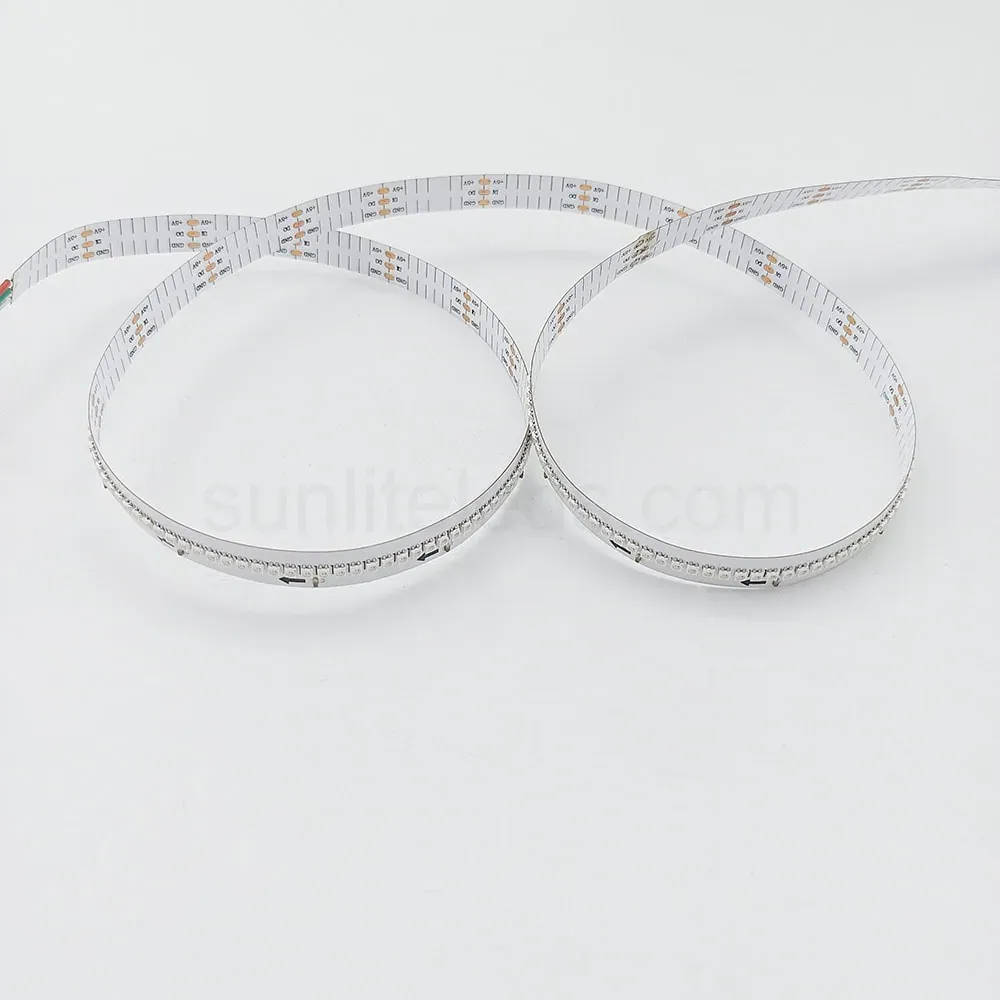
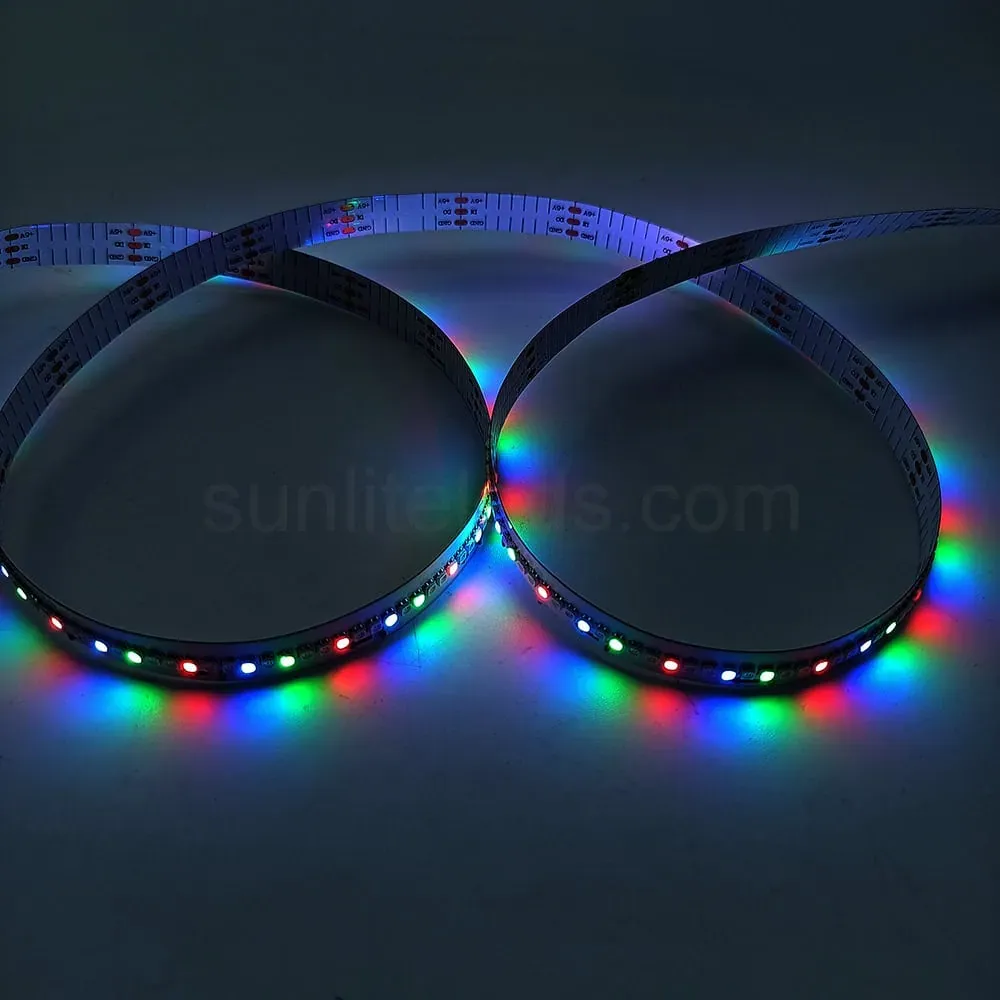
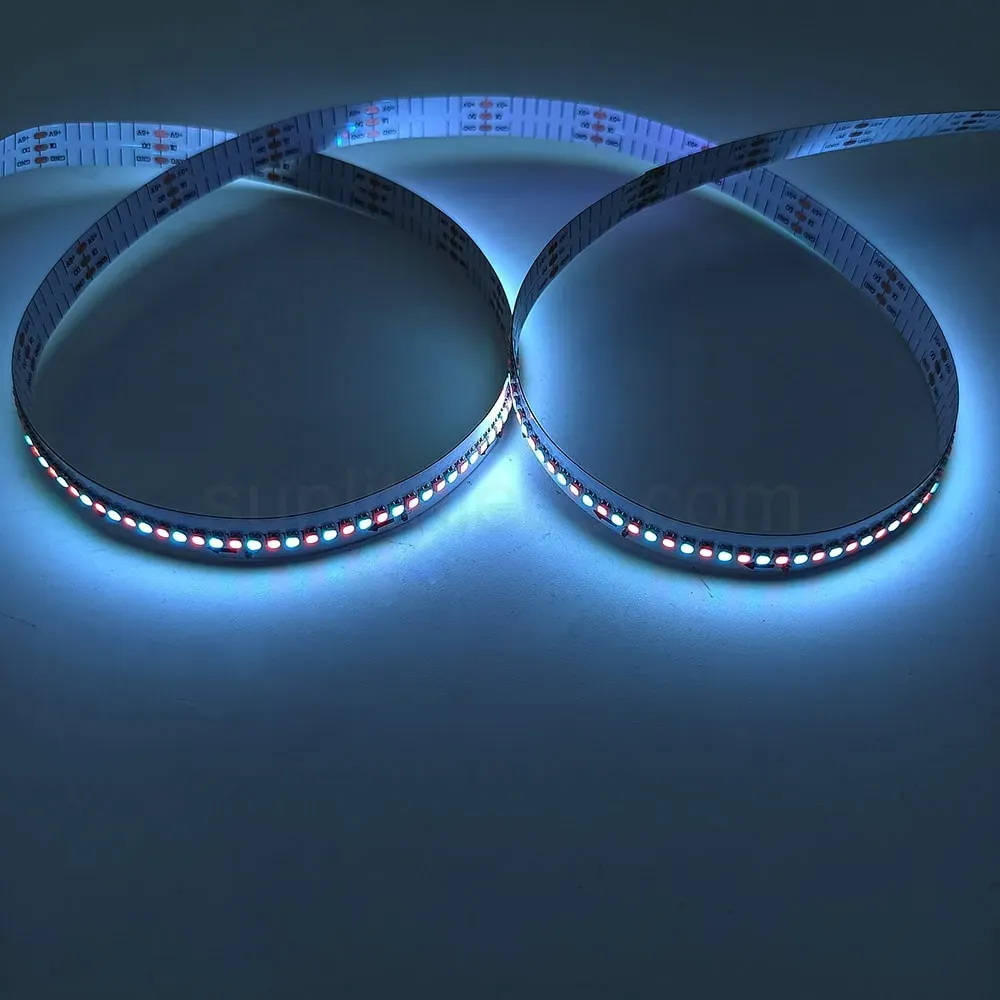
10mm 350leds DC5V 350 Pixels WS2812 Programmable RGB LED Strip Pictures
IC WS2812. PCB color optional: white PCB or black PCB. 350LEDs/m, each LED is controlled individually, and one IC drives one LED chip. Full-color RGB is widely used in the production of LED screens, LED walls, and billboards. Working voltage: DC 5V.
This is a high-density digital Arduino-compatible WS2812 5V RGB LED strip. 350 LEDs per meter are arranged in a 10mm wide strip. The WS2812 features a built-in IC control, allowing each 3535 SMD LED to display different colors and be individually addressable.
The high brightness makes it ideal for confined spaces and delivers brilliant light. Adhesive tape is included on the back for easy installation.
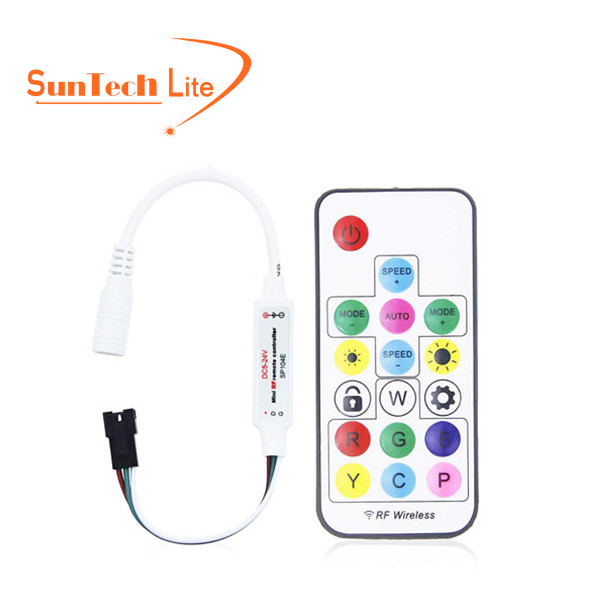
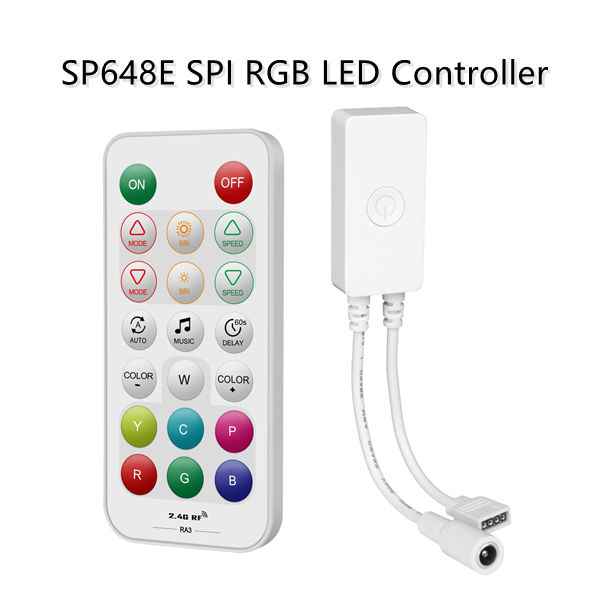
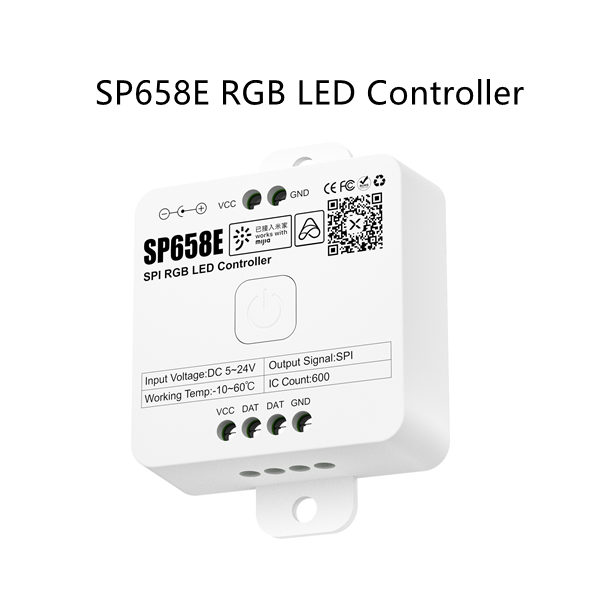
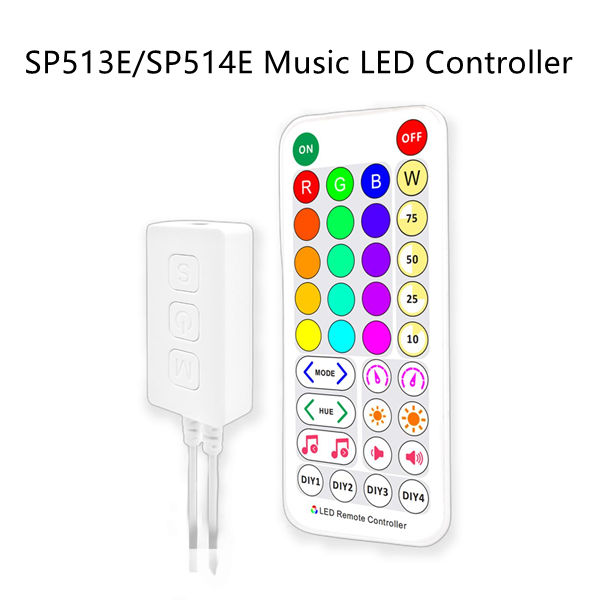
This pixel RGB LED strip is equipped with an SPI controller/programmable logic controller and a 5V power supply.
It features one data cable and two power cables, 256 grayscale levels, and can be controlled by the controller to create any desired effects, including gradients, flowing water, running horses, text, numbers, English, images, and animations.
You can control this strip with any microcontroller or microprocessor, including Arduino, Raspberry Pi, BeagleBone, Propeller, SparkCore, any “raw” microcontroller/microprocessor, and an SPI controller.
Click here to view more methods for connecting to microcontrollers.
WS2812B Everything You Need to Know?
- Different Types of WS2812 LED Strip Products
- WS2812B LED Strip Applications
- How to Control, Connect and Wire WS2812 LED Strip
- Pros and Cons: Compare WS2812 LED Strip with Others
- Customize Your WS2812B LED Strip
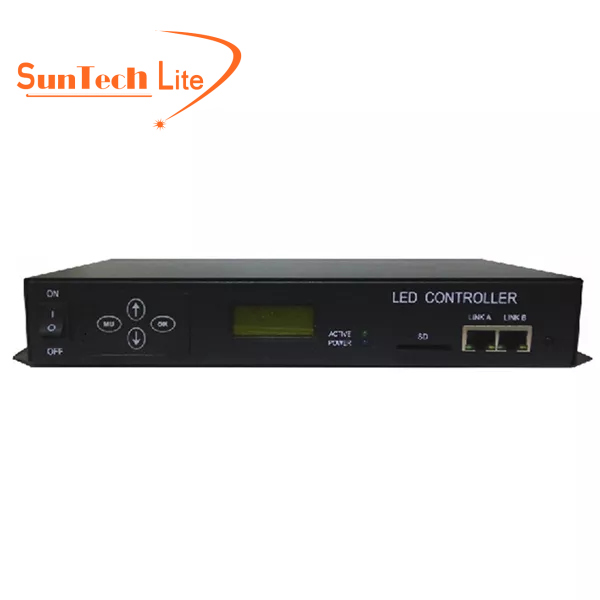
- LED Strip Light Controllers for WS2812B
- Other Products Using WS2812B LED
- Where to Buy WS2812B LED Strip?
SK6812 vs WS2812B How to Choose?
- SK6812 and WS2812B Comparison Table
- Comparison: SK6812 vs WS2812B
- How to Control, Connect and Wire SK6812 and WS2812B LED Strip
- SK6812 RGB vs WS2812B RGB
- SK6812 RGBW vs WS2812B RGB
- SK6812 White vs WS2812B RGB
WS2815 vs. WS2812 vs. WS2818 LED Strips
- Applications: WS2815 vs. WS2812 vs. WS2818 LED Strips
- WS2815 vs. WS2812 vs. WS2818 LED Strip Installation Tips
- Pros and Cons Summary WS2815 vs. WS2812 vs. WS2818
- A table to understand the differences: WS2811 VS WS2812
- Difference: WS2811 VS WS2812
- WS2812 LED Strip vs WS2811 LED Strip Performance Comparison
- Things to Consider When Purchasing WS2811 or WS2812 LED Light Strips
How Easily Can ESP32 Control WS2812B Pixel LED Strips?
- Materials Required
- ESP32 and WS2812B Wiring Schematic
- ESP32 and WS2812B Connection Diagram
- Code Upload
- Demonstration Video
How To Control WS2812B Addressable LEDs with Raspberry Pi?
- Materials Needed
- WS2812B and Raspberry Pi Wire Diagram
- WS2812B and Raspberry Pi Connection Diagram
- Code and Video
3 Pin WS2812 RGB LED Strip Wiring Diagram:
WS2812 RGB LED strip needs an RGB LED controller (SPI signal) and a 5V DC power supply to work.
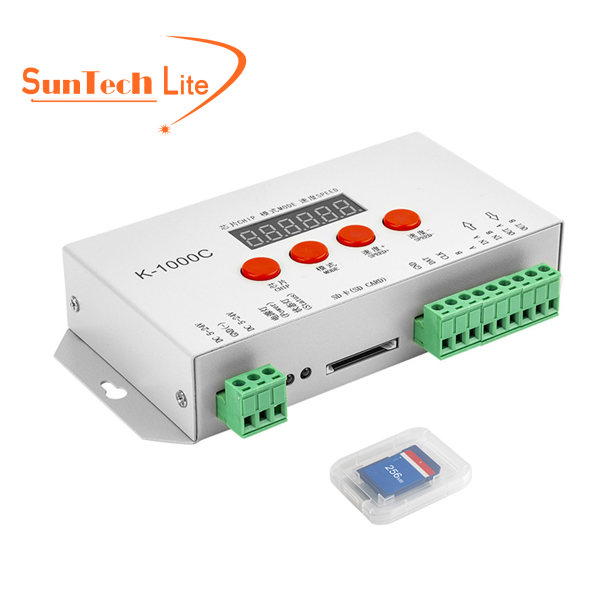
Below is the wiring diagram of the WS2812 LED strip connected to the offline K-1000C LED controller. The BLACK ARROWS on the light strip tell the signal transmitting direction. If connected oppositely, the strip will not work.
For more wiring details, please read our blog: How to Control Connect and Wire Addressable LED Strip?
Instructions:
1) Do not use any acidic or alkaline adhesives to secure the product.
2) Do not impact or rub the product against hard objects.
3) Do not press the LED with your fingers.
4) Do not connect the positive and negative poles in reverse.
5) Do not install the product while it is operating.
6) Installation, repair, and maintenance must be performed by qualified personnel.
7) Before use, ensure that the power supply voltage meets the requirements and that the wiring is connected correctly.
Related Products You May Need:
Accessories
Connection Cable
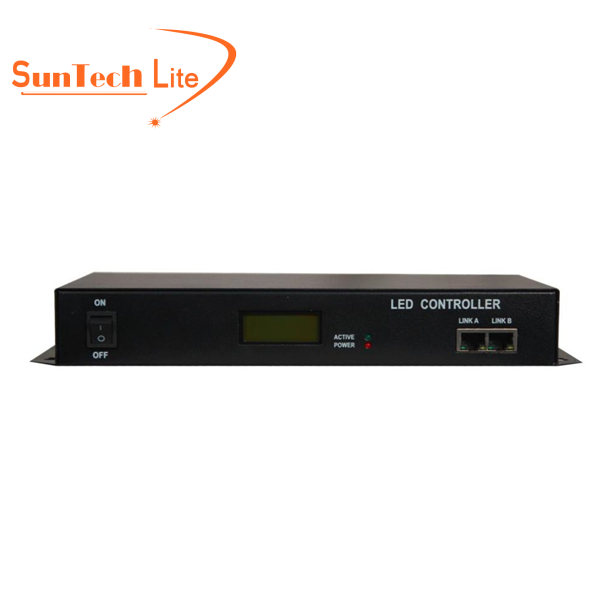
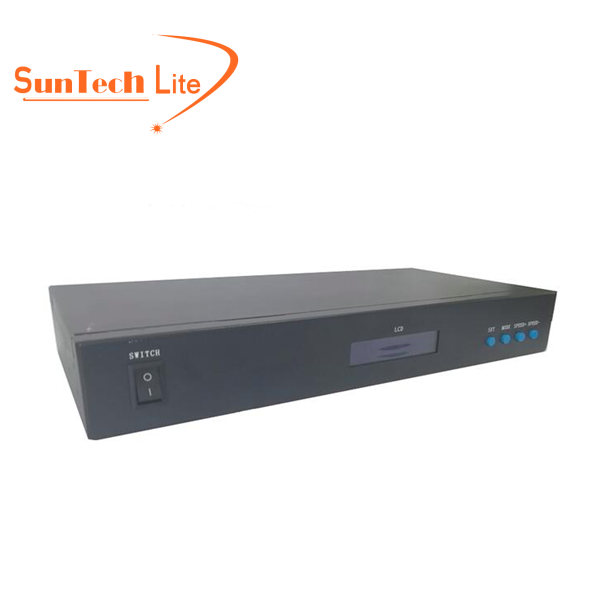
Controllers